Product Update: October 2026
Self-improving campaigns are now live, Ask Arch designs better emails and you can talk to it with voice mode.
The future of home services marketing is self-learning, and continuous A/B testing is how you get there. Learn which version of a campaign books more jobs and put your budget behind it. Plus, Ask Arch designs better emails, and you can now talk to Ask Arch with voice mode.
Read on for what is new and what is coming.
🧪 Self-improving marketing campaigns are live
Book more jobs from the same marketing budget, with better results every month.
Test two versions of a sequence against each other and see which one brings in more revenue. Pick one thing to change, and Arch splits your audience, sends both versions, and reports the results.
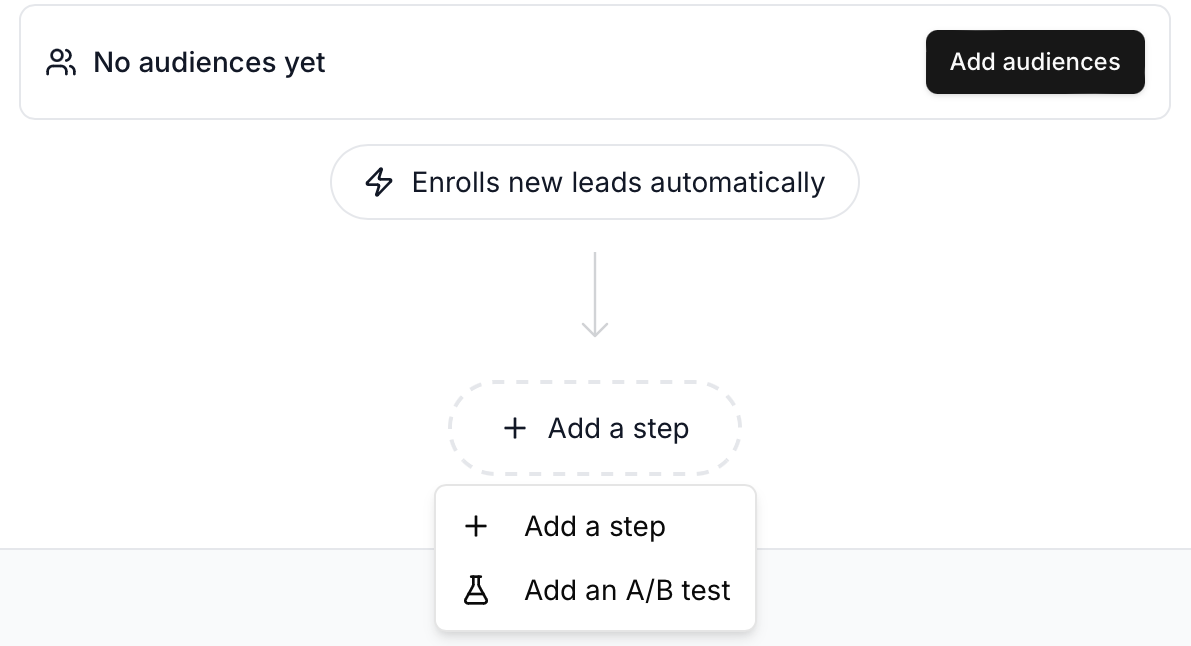
What you can test
- Creatives and offers. Two different designs or offers.
- Subject lines. Find the line that gets more opens.
- Send times. Learn when your customers are most likely to respond.
How it works
- Each test runs inside one sequence with two versions that differ on one dimension, so you know exactly what made the difference.
- Results show on the sequence's Performance tab and on the Experiments page, measured in jobs and revenue from ServiceTitan.
- Once you know what works, Arch sends your leads to the winning version.
Why this matters: Each test shows you what works for your customers, so your next campaign starts from what you already know. Reach out and we will help you set up your first test.
Where to find it: Sequences → open a sequence → set up a test. All your tests are on the Experiments page.
✉️ Ask Arch designs better emails
Send professionally designed emails within minutes.
The new Arch Designer in Ask Arch gives you three drafts to choose from instead of one. Each draft has its own layout, tone and imagery, and all three keep the same offer, prices, links and phone number. Arch marks one as Recommended and tells you why.
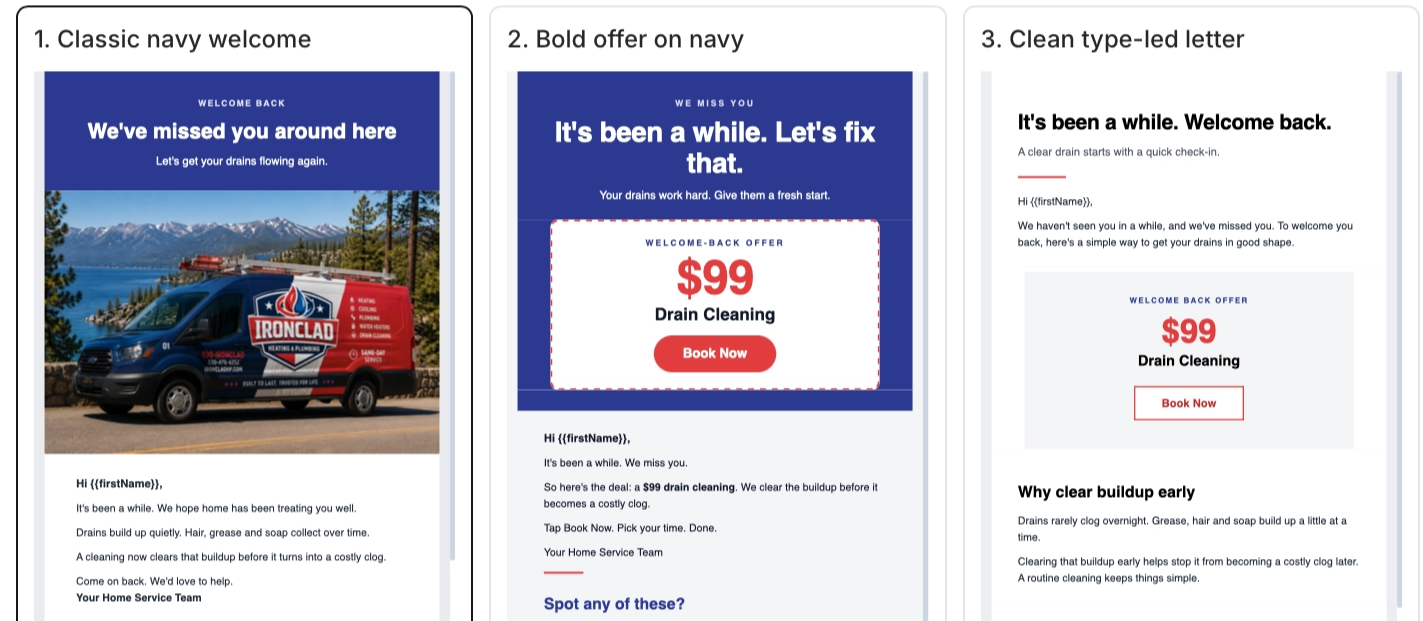
What is new
- Easier editing. Change a detail like your phone number by hand, or ask Ask Arch to make design changes in chat. Your edits stay.
- Three first drafts, one recommended. Compare them side by side and pick the one that fits.
- Arch checks its own work. Once a draft is ready, Arch reviews it on desktop and mobile and makes small fixes. You can see each fix and undo it.
- Built around your brand. Set up your brand kit once in Settings → Branding. Your header, footer, colors and logo then go into every new email.
Why this matters: A good email used to take hours of back and forth. Now you start with three options that match your brand, pick one, and change whatever you want. Campaigns go out faster.
Where to find it: Ask Arch → ask for a new email → Create email. Your emails are saved in Creatives.
🎙️ Build campaigns by talking to Ask Arch
Get answers and set up campaigns faster, just by talking.
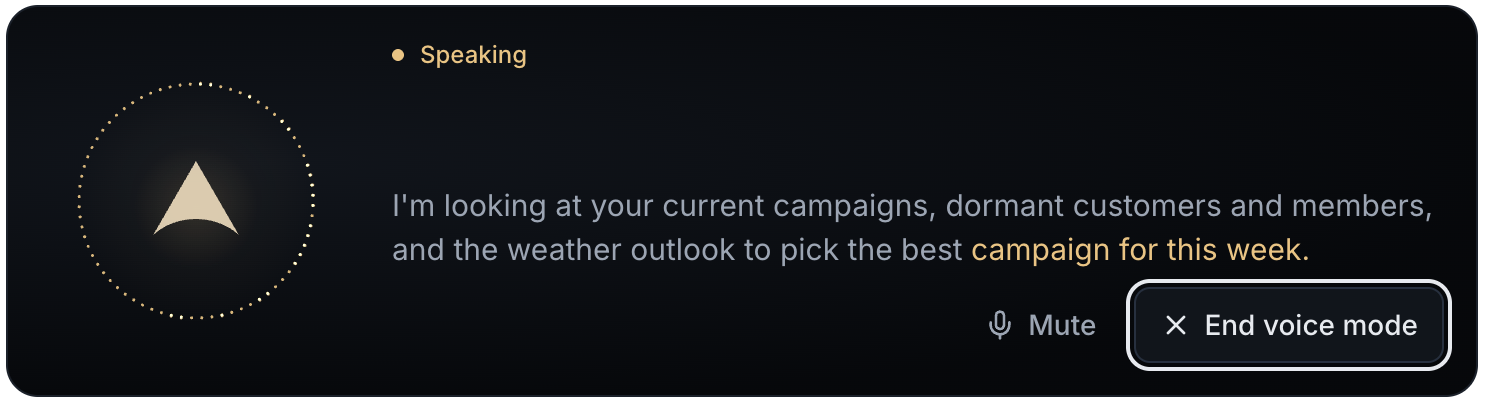
You can now talk to Ask Arch instead of typing. Ask it to pull numbers, build an audience or set up a campaign, and hear the answer back.
How it works
- Start voice mode. Press the black circle next to the microphone in Ask Arch and start talking.
- Ask and follow up. Ask a question, hear the answer, and ask a follow-up. Ask Arch talks back, and the full written answer still shows up in the chat.
- Prefer to type? Press the microphone to dictate instead. Your words show up as text you can edit before sending.
Example: "A cold snap is coming next week. Build me a campaign to reach homeowners near us who aren't customers yet, and send it before it hits."
Why this matters: Launching a campaign is now as simple as talking it through with Ask Arch, like you would with your marketing manager. Then review what it puts together and click to create it.
Where to find it: Ask Arch → the black circle next to the microphone. Works best on a computer for now.
What is next
See your Google, Meta and Yelp ads alongside the rest of your marketing in Arch.
These integrations are now live. To connect yours, go to Settings → Integrations → Ad Platform Connections.
Thank you for all the feedback this month. Many of these updates came straight from conversations with you. Keep it coming.